Add and correct people
A genealogy's administrators, its approved family members, and - where the genealogy allows it - anyone who entered its family code can add people and correct them. An administrator's own changes take effect at once by default; everybody else's wait for an administrator to review them.
1Add a child
Open the father's (or mother's) page and, under Children, press + Add a child.
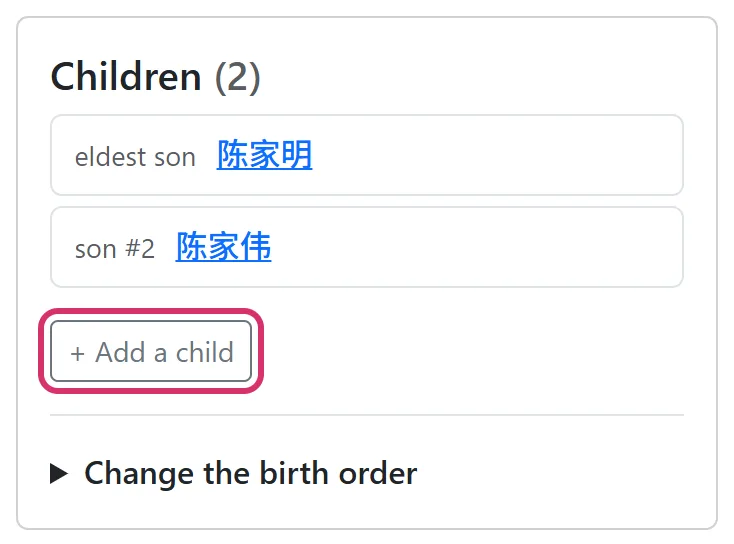
Give the name and sex; a son's place among his brothers goes in Birth order (eldest son 1), a daughter's in Daughter order; courtesy, art and honorary names are folded away underneath. The generation fills itself in, one below the parent. Under Reason, say where it comes from - "the family's own genealogy", "from my grandmother". Press Submit.
A daughter's children are added from her page, and are recorded under their mother.

2Add a spouse
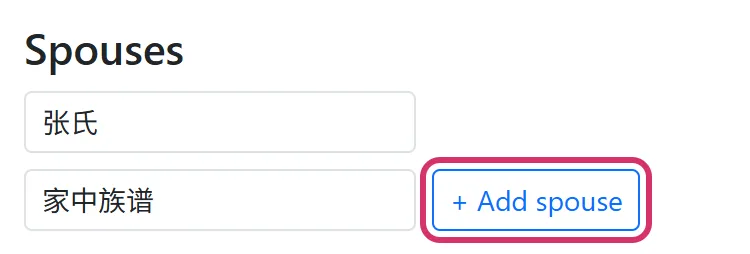
Under Spouses on a person's page, give the spouse's name (for example 李氏) and a reason, and press + Add spouse. A man's spouse is recorded as his wife, a woman's as her husband.
3Correct the details
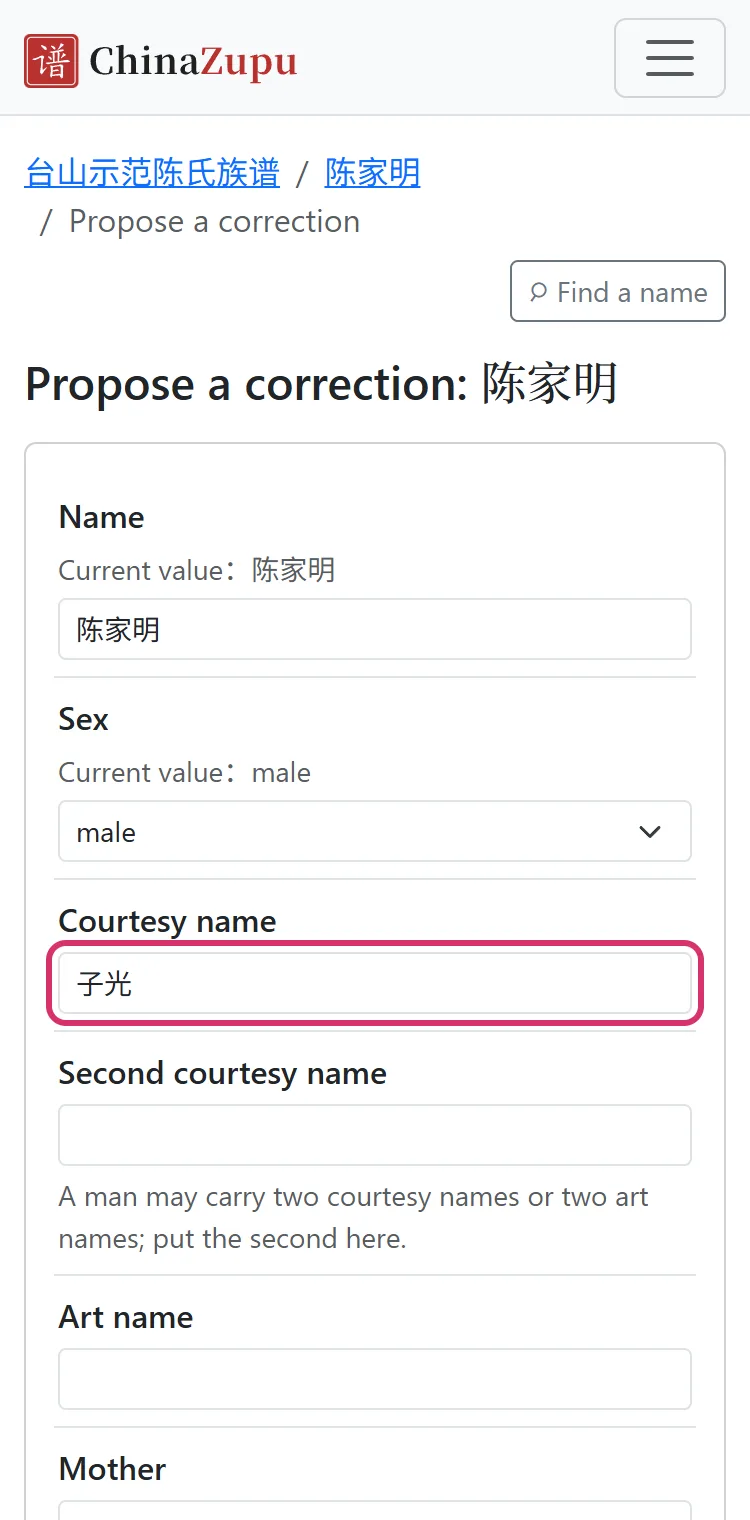
Press Propose a correction at the foot of a person's page. Each row shows the value now and a box for the corrected one; change only what is wrong. If the father or mother is wrong, pick the right person from the generation above - names repeat, so check their generation, their father and the page. Give a reason and press Submit.
4Write a biography
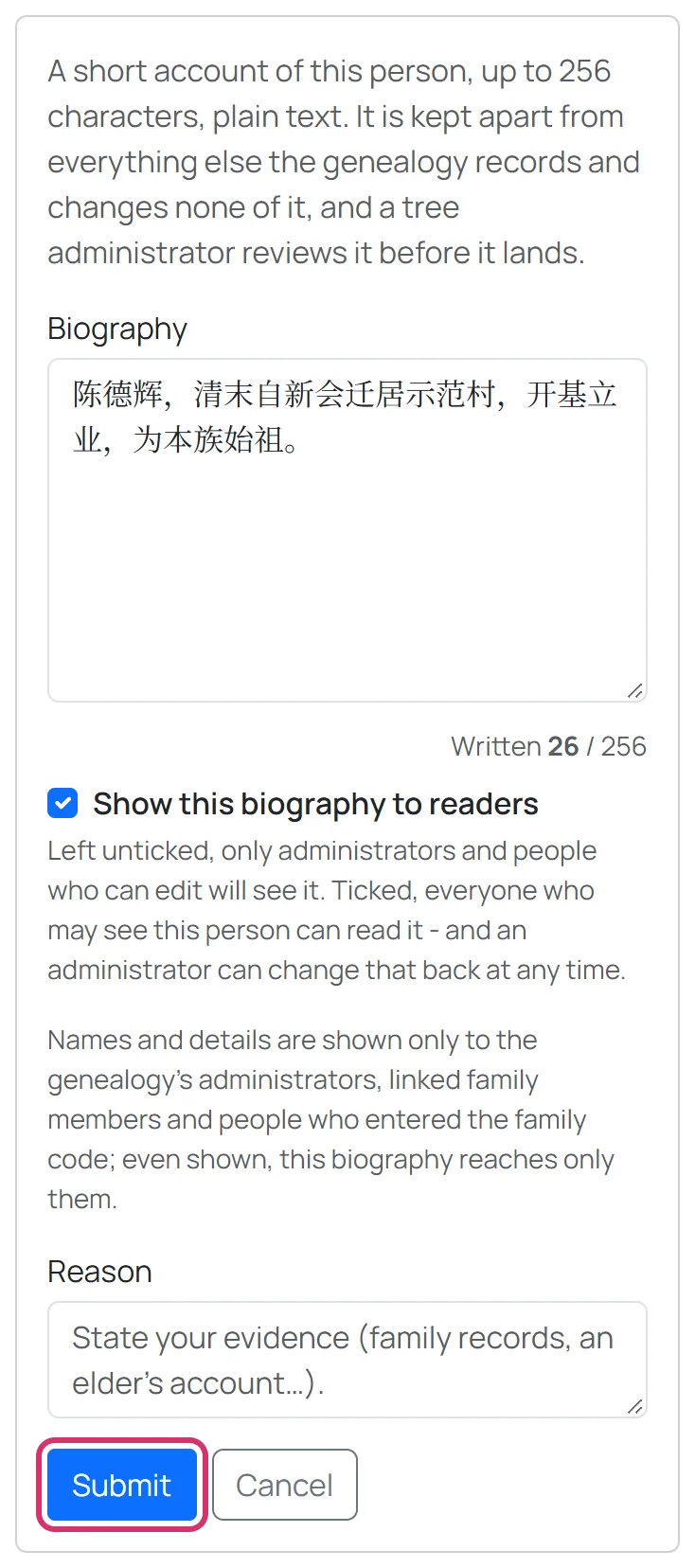
Press Write a biography and write a few lines about this person - their life, what they did, where they moved, their work - up to 256 characters. It is kept apart from the genealogy's own record and changes nothing in it. Tick Show this biography to readers and everyone who can see this person can read it.
5Birth order, and deleting
Brothers and sisters in the wrong order: on the father's page open Change the birth order, put them right with ↑ and ↓, and submit.
Deleting a person needs an account and a reason, and by default waits for an administrator; someone with descendants can only be deleted by an administrator. The family code can never delete anyone.
Good to know
- After you submit, the page says whether your change is live or waiting for an administrator.
- Every change that takes effect is in the Change history, where an administrator can undo it.