Find a genealogy, and people in it
First find your family's genealogy, then look for people in it. Reading needs no account and no log-in.
1Find a genealogy
In Find a genealogy on the home page, give a surname and a place, and press Find a genealogy.
- The surname can be in characters or in pinyin: lin finds 林, in any case, with or without tone marks. Where one reading belongs to several surnames, genealogies of all of them are listed.
- The place can be a province, city, county, township or village, or the old name a genealogy uses.

The genealogies found are listed as cards with their place, number of people and hall name; open one to reach its front page.

2Browse by place or by surname
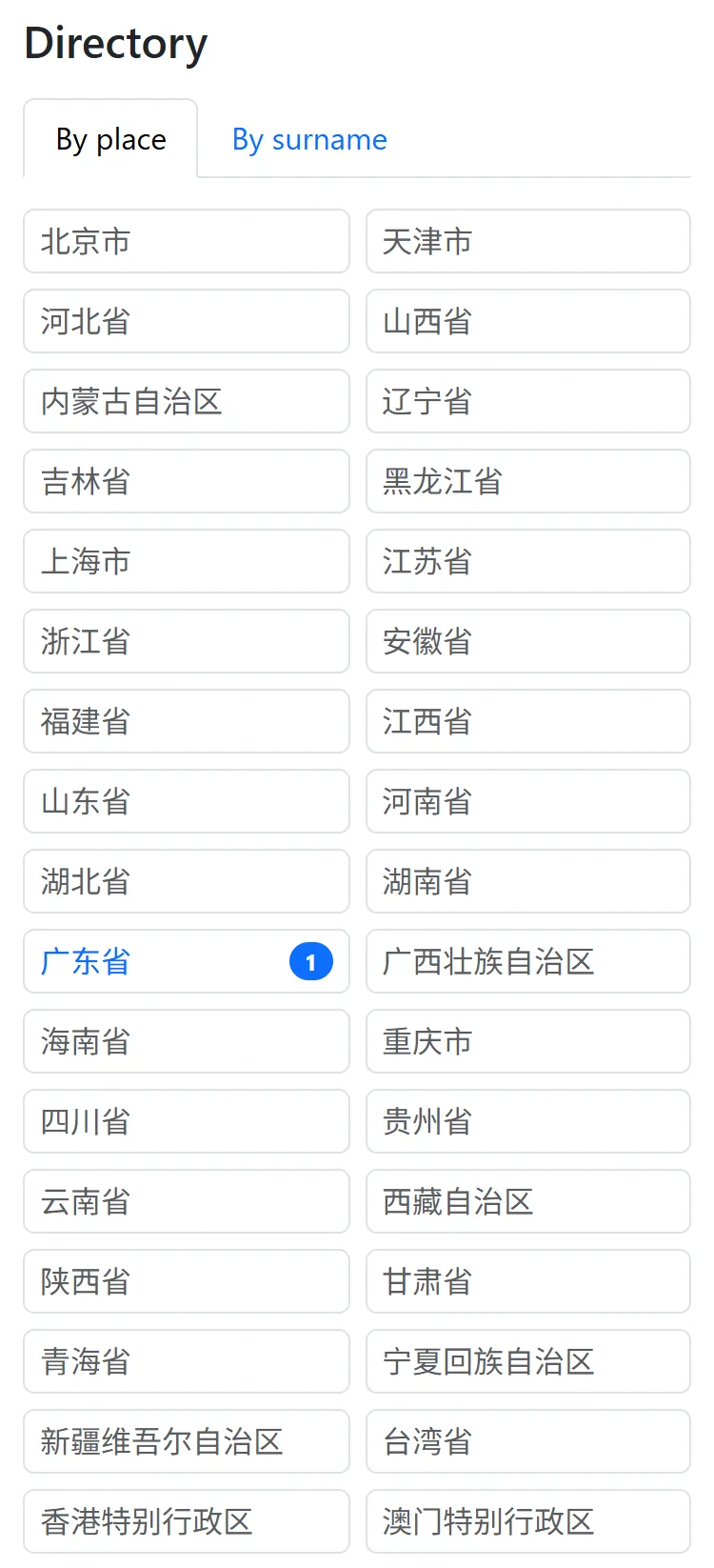
Press Directory at the top, and go down by province, city and county; or choose By surname. The directory lists the public genealogies this site has approved.
3Find a person
Use Search this genealogy on its front page, or Find a name at the top right of a person's page or the chart, and type a name, courtesy name or art name. Simplified and traditional characters both work; so does pinyin, such as xiaoming or xiao ming - and if you only remember how it starts, just the initials, such as xm.
Names repeat a great deal, so each result gives the person's generation, father and grandfather to tell them apart.

4Search several genealogies at once
Not sure which genealogy? Find genealogies on the home page first; when 25 or fewer are found, a box underneath lets you search for a person in all of them at once.
Can't find a relative?
To protect privacy, names are hidden from the public by default, and a name search finds nobody; where a genealogy's administrators have chosen to show names, a search finds its earlier generations, never the recent ones. The genealogy's administrators, approved family members and anyone who entered the family code can see and find everyone. Ask the genealogy's administrator for the code.